

Instagram Live is a feature that allows users to broadcast videos in real-time to their followers. It’s a great way to engage with your audience, share updates, and even host live events. Use these steps to go live on Instagram using an Android device.
-
Start by opening the Instagram app on your Android.
-
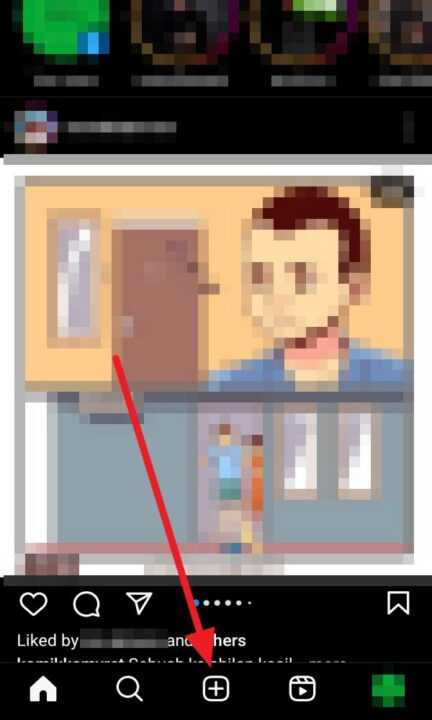
Next, tap the plus symbol located at the bottom center of the screen or swipe left on the home screen to access the camera.
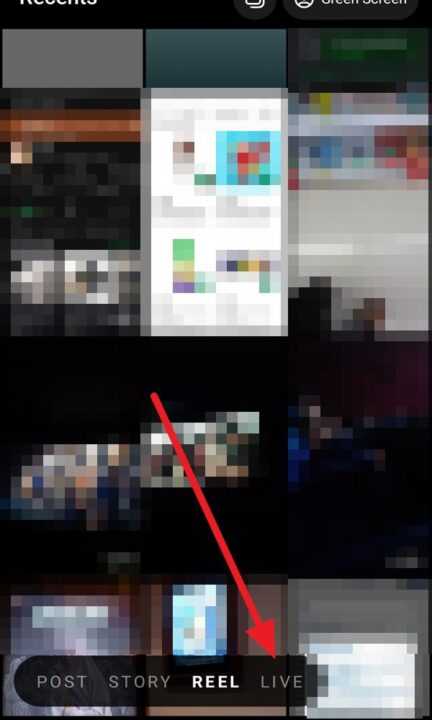
- Choose the LIVE option.
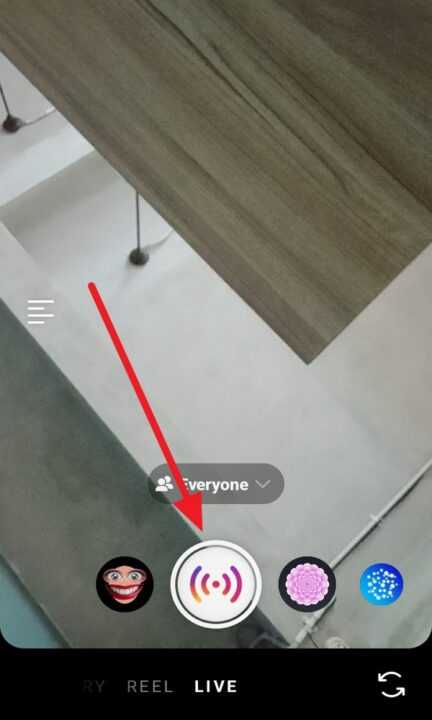
- Start the live video by tapping the icon start at the bottom center of the screen.
Instagram Live is a powerful tool for real-time engagement with your audience. By following these steps, you can easily start a live broadcast on your Android device. Remember to plan your content, engage with your audience, and ensure you have a stable internet connection and the latest version of the Instagram app for a successful live session. Happy broadcasting!