
If you’ve ever accidentally sent the wrong message on Instagram, you’ll be relieved to know that the platform allows you to unsend messages. Here’s a quick guide on how to unsend a message on Instagram for Android.
-
First, open the Instagram app and log in to your account.
-
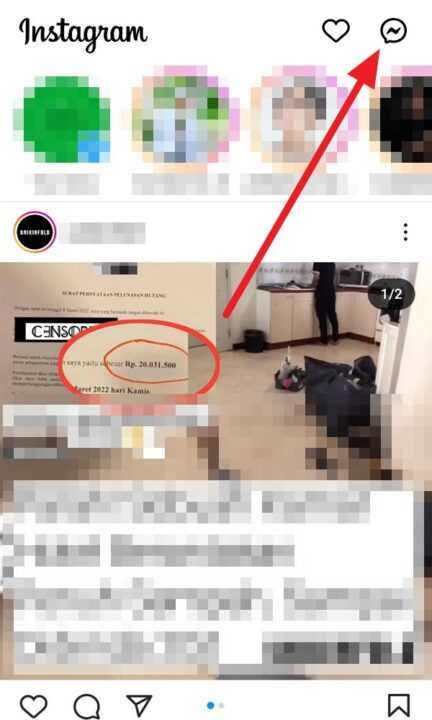
Next, tap the chat icon located in the top right corner of the screen.
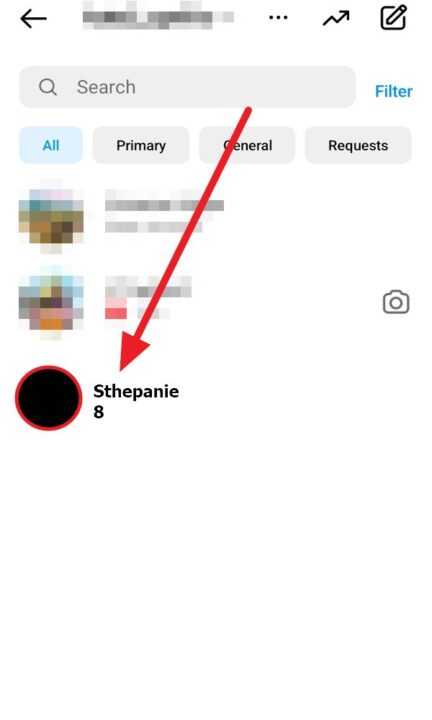
- Then, tap the message you want to unsend.
- Press and hold the message you want to unsend.
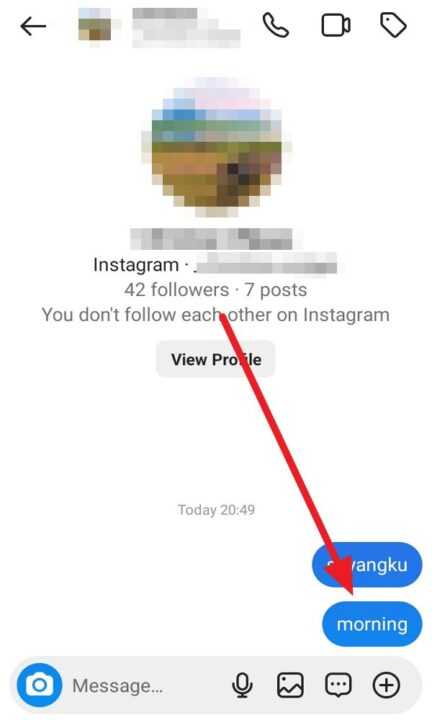
- Select Unsend.
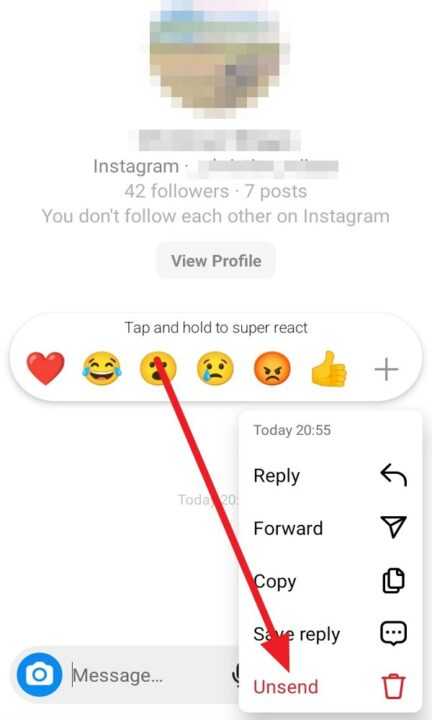
- After tapping Unsend, the message will be removed from the chat for all parties involved.
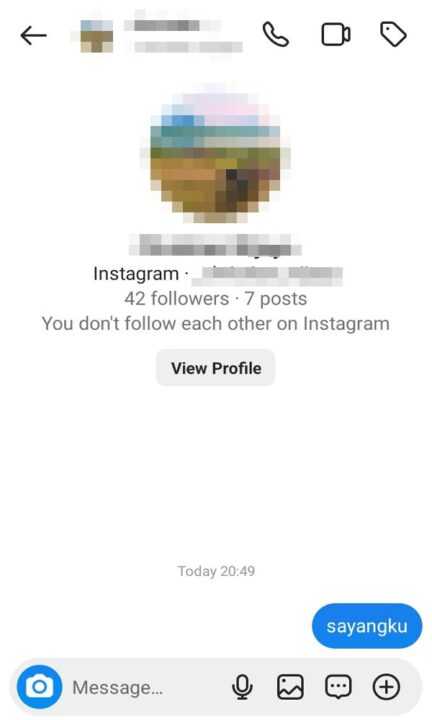
It’s important to note that this action is irreversible. Once you unsend a message, it cannot be retrieved. Furthermore, the other person(s) in the conversation will be notified that you have unsent a message. By following these simple steps, you can easily manage and rectify any inadvertent messages sent on Instagram.